Getting Started
Design and run your first workflow in limerIQ
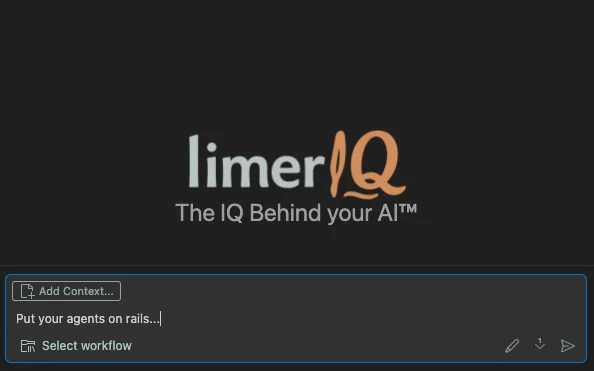
limerIQ is an AI-native orchestration platform that puts your AI agents on rails. Here's how to get started:
Prerequisites
limerIQ requires the installation of one of the following coding CLIs: Claude Code, Codex, or Gemini-CLI. Make sure to read the TOS of your coding CLI and choose the best way to connect -- either a subscription, such as ChatGPT Pro, or an API key.
limerIQ's primary interface requires VSCode.
To publish workflows, I recommend installing Playwright for auto-snapshot capture.
Installation
limerIQ is Mac-only for now.
Instructions are here: https://www.limeriq.ai/downloads
Check the settings
After you've installed limerIQ, start (or re-start) VSCocde and open the limerIQ extension. Open Settings and choose the settings that are best for you.
To support native tool calling, limerIQ uses each CLI's unique permissions system. If you're not already familiar with that system, read up on it to ensure you're operating in a manner that best suits your needs, from fully sandboxed to full YOLO.
Workflows can define their own steps, or use the system default. To override all steps, you can choose a model override. Some models are better at instruction following than others.
Select and run an example workflow
Choose Select a workflow... and choose one of the example workflows. Type a prompt and click the send button.
The extension will show you the workflow execution with both a visual "subway map" and a structure chat log.
The examples will help you understand limerIQ workflow basics such as the different step types, how transitions work, variable usage, etc.
All models have their own conversation "styles" particular to their modes of operation. Claude models are the "prettiest" and have the most structured outputs.
Create or edit a workflow
Clicking the pencil icon in the extension's chat controls area opens the workflow editor and runs a limerIQ workflow editing assistant. You can chat with the assistant and view / edit the workflow manually.
TIP: Always have an agent create a workflow for you... at least as a starting point. The limerIQ workflow architect natively understands limerIQ workflows, but you can also just tell Claude, GPT, or Gemini to invoke the limeriq-workflow-architect skill and create a workflow directly in the agent of your choice.
Download and share a workflow
limerIQ is community-powered. Explore workflow designs here: https://www.limeriq.ai/explore
Share your workflows by clicking Publish to Marketplace from the limerIQ workflow editor. It will launch a workflow to prepare and post a draft of your workflow to limeriq.ai.
You are in complete control
All of limerIQ's base prompt templates, personas, and model configurations are editable in ~/.limerIQ. You can customize these to fit your needs.