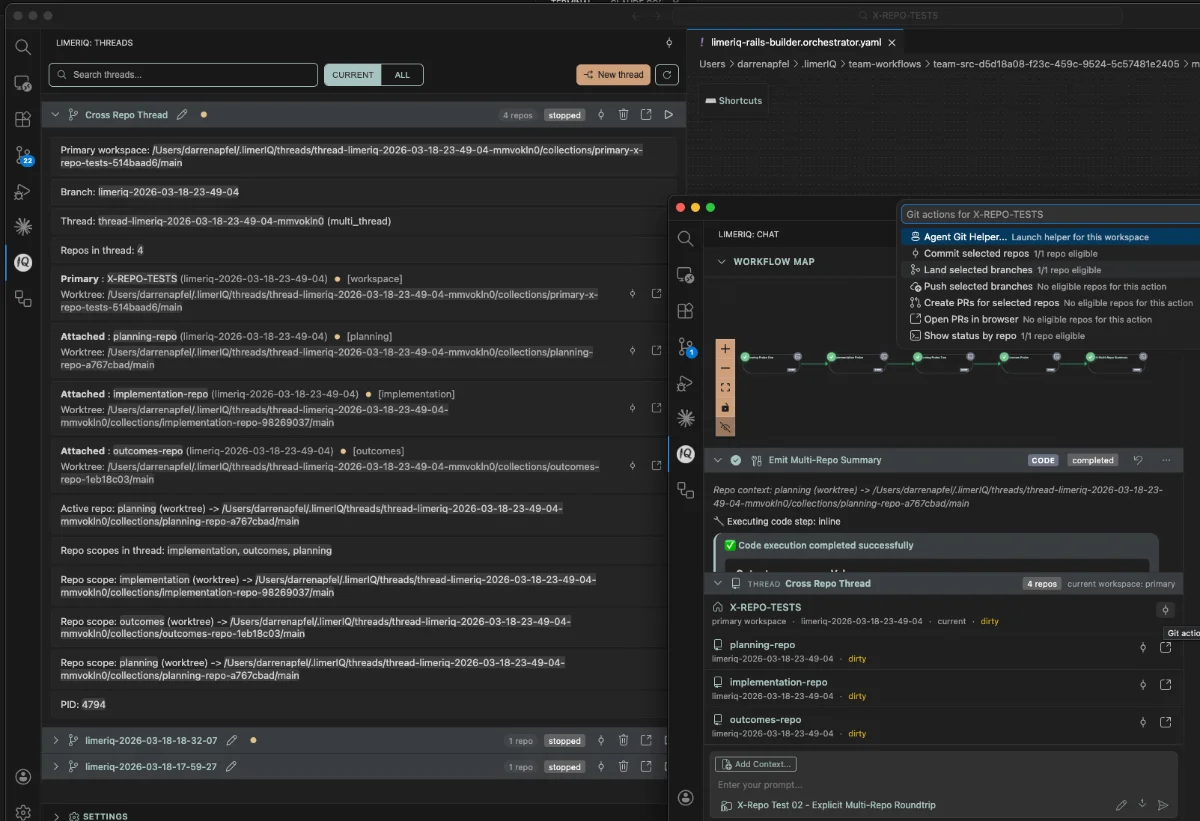
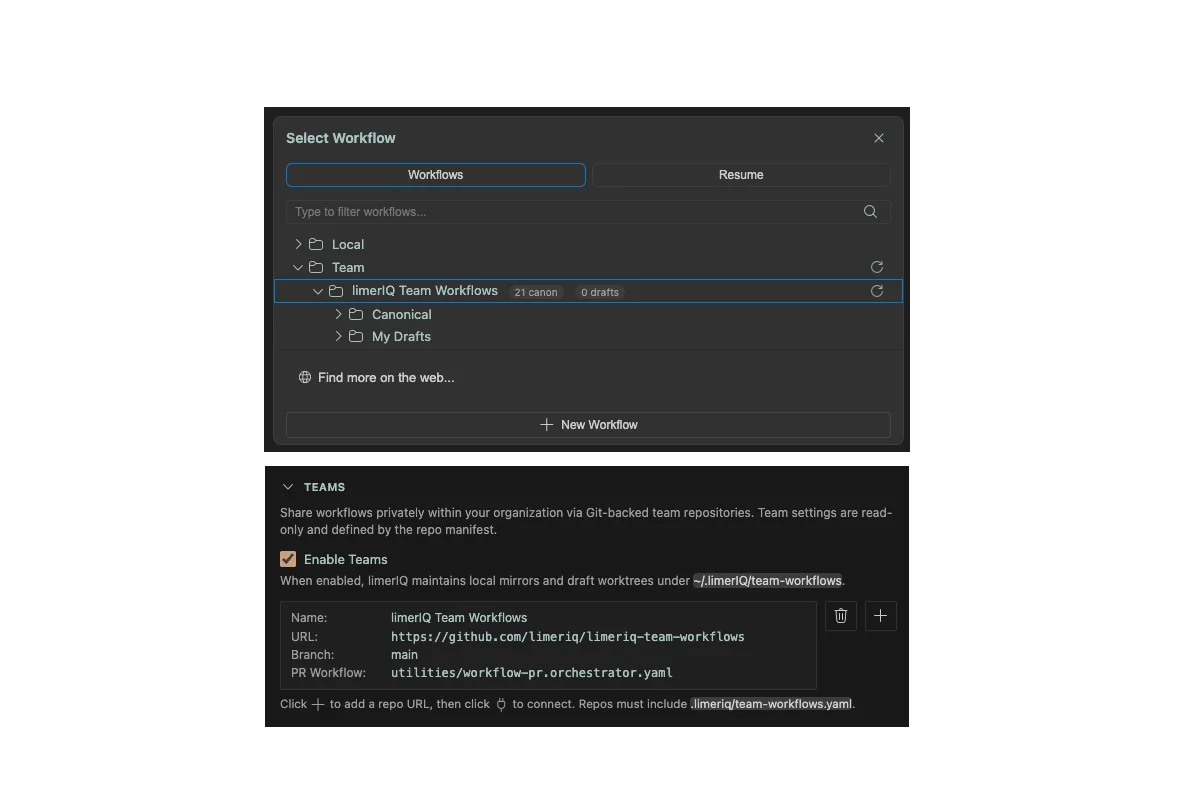
limerIQ Now Supports Kimi K2.5 via Kimi Code CLI
limerIQ now supports Moonshot AI's latest! Update limerIQ today to add Kimi K2.5 to your model arsenal.

We're excited to announce that limerIQ now supports Kimi K2.5 through the Kimi Code CLI, adding Moonshot AI's powerful coding model to our multi-provider orchestration platform.
What is Kimi K2.5?
Kimi K2.5 is Moonshot AI's latest frontier model, built as a native multimodal system trained on approximately 15 trillion mixed visual and text tokens. It excels at coding tasks, front-end development, and visual understanding—making it a valuable addition to limerIQ's model roster alongside Claude, GPT-5, and Gemini.
What's Supported
limerIQ integrates with Kimi K2.5 through the Kimi Code CLI using the ACP (Agent Communication Protocol). Here's what you can do:
Multi-Provider Workflows
Run Kimi K2.5 alongside Claude, GPT-5, and Gemini in the same workflow. Each step can use a different model, letting you optimize for cost, speed, or capability:
steps:
  - id: analyze
    type: task
    model: opus
    instructions: "Analyze the requirements..."

  - id: implement
    type: task
    model: kimi-for-coding
    instructions: "Implement the feature..."

  - id: review
    type: task
    model: gpt-5.2-codex
    instructions: "Review the implementation..."
Thinking Mode
Toggle extended thinking for complex reasoning tasks:
kimi-for-coding— Standard mode for fast responseskimi-for-coding,thinking— Extended thinking for deeper analysis
Multimodal Input
Kimi K2.5 supports rich input types:
- Images — PNG, JPEG, GIF, WebP, HEIC (up to 5MB each)
- Video — MP4, WebM, MOV (up to 40MB)
This enables visual debugging, UI review, and image-to-code workflows.
Full Tool Access
Kimi K2.5 has access to the complete limerIQ tool suite:
| Tool | Capability |
|---|---|
| File Operations | Read, write, edit, glob, grep |
| Shell | Bash and PowerShell execution |
| Web | Search and fetch web content |
| Subagents | Spawn specialized agents for subtasks |
Permission Gating
All Kimi tool calls flow through limerIQ's permission system. You maintain full control over file writes, shell commands, and other sensitive operations—just like with Claude and other providers.
Getting Started
1. Install Kimi Code CLI
Follow the Kimi Code CLI installation guide for your platform.
2. Authenticate
Run the CLI and complete setup:
kimi
# Follow the /setup prompts
3. Use in limerIQ
Select Kimi models in the limerIQ UI or specify in your workflow YAML:
model: kimi-for-coding
# or
model: kimi-for-coding,thinking
Why Kimi K2.5?
Kimi K2.5 brings several strengths to your AI toolkit:
- Strong coding performance — Particularly effective for front-end development and visual-to-code tasks
- Multimodal understanding — Native image and video comprehension
- Extended context — Large context window for complex codebases
- Kimi subscription billing — Uses your existing Kimi Code subscription, no separate API keys needed
Technical Details
limerIQ connects to Kimi Code CLI via the ACP protocol, the same integration pattern we use for Gemini CLI. This provides:
- Session persistence — Resume conversations across workflow steps
- Streaming responses — Real-time output in the limerIQ UI
- MCP server passthrough — Your custom MCP tools work with Kimi
- Concurrent execution — Run Kimi steps in parallel with other providers
What's Next
We're continuing to expand Kimi integration as the Kimi Code CLI evolves. Stay tuned for updates as new capabilities become available.
Resources
limerIQ is a multi-provider AI workflow orchestration platform. Run Claude, GPT-5, Gemini, and now Kimi K2.5 in unified workflows with full tool access and permission control.